Zoom Webex Live UC and Live CX
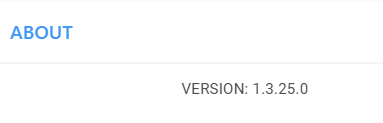
You can view the current software version of the UCaaS Service portal for management of UCaaS services (Zoom Provider Exchange, Webex Cloud Connect, Live UC and Live CX services) in the About window.
| ➢ | To view Service Portal software version: |
| 1. | In the Live Platform Operation Center Services page Service Actions drop-down, choose the relevant UCaaS service and action; the Service portal opens. |
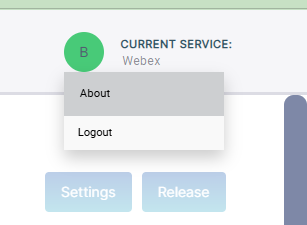
| 2. | In the top-right corner of the Service Portal, click your profile icon, and then from the drop-down menu, choose About; the About window opens, displaying the version number. |